Features How It Works Templates FAQ
Industries
Garages & Repair Shops Car Rental Companies Construction & Site Inspections Download Free
Now available on iPad

The Easiest Way to Create
Inspection Forms

Build unlimited custom checklists, complete them on your iPad — online or offline — and share professional reports instantly with clients and teams.

QR code to download Blue Checkbox
Scan to download Open your camera and point at the code

Professional using Blue Checkbox on iPad in a warehouse
Trusted by teams in 🔧 Garages & Workshops 🚗 Rental Companies 📦 Warehouses 🏗️ Construction ✅ Health & Safety

Everything You Need for
Professional Inspections

Simple, yet incredibly powerful — packed with features designed to boost your productivity from day one.

📋

Create Unlimited Custom Forms

Design inspection forms exactly the way you need. Use the built-in editor with 10 different elements — no technical skills required.

📧

Email Reports Instantly

Once your form is completed, generate a professional inspection report and email it to clients or your team with a single tap.

Ready-to-Use Templates

Get started fast with professionally designed templates. Customize them to fit any task, any industry, any workflow.

📸

Add Photos, Notes & More

Include 10 different form elements — photos, notes, checkboxes, dates, email fields, and more — in any combination you need.

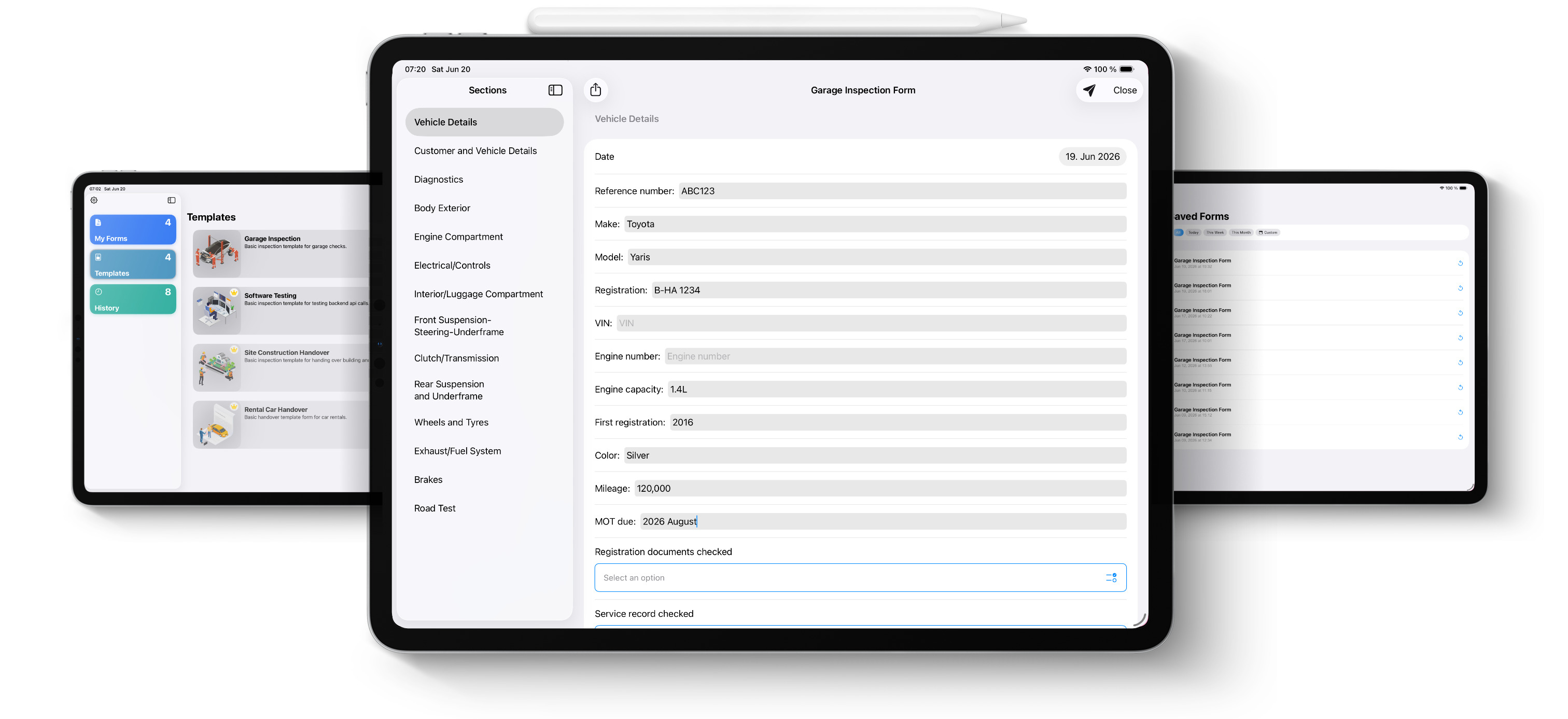
Blue Checkbox app running on iPad showing a vehicle inspection form

Trusted by Businesses Every Day

"Blue Checkbox replaced our paper inspection sheets entirely. We use it for every vehicle that comes through the workshop. It's fast, easy, and we always have a record if a customer questions anything."

Chris Sargent Garage Owner, GCR Central

"We use Blue Checkbox almost every day to inspect the build quality of our machines. It's incredibly simple to build the inspection forms the way we want. It's paper-free, and reports go straight to email so we can track everything. It's not just a way to collect reports — it has truly improved our quality assurance."

Paul Veitch Sales Manager, Linpic

Up and Running in Minutes

Download, open, and start using instantly. No setup, no account required to get started.

1

Download the App

Free on the App Store. No setup, no account required. Open it and you're ready to go immediately.

2

Build Your Form

Use the editor to create custom forms with 10 different elements, or pick one of the ready-made templates and customize it.

3

Inspect & Share

Complete the form on-site — even offline. Then generate a professional PDF report and email it in one tap.

10 Powerful Elements to Build Any Form

Mix and match elements to create exactly the form you need — from simple checklists to detailed inspection reports.

Calendar element Calendar
Text Entry element Text Entry
Comment element Comment
Email element Email
Numbers element Numbers
Single Choice element Single Choice
Multi Choice element Multi Choice
Photos element Photos
Headline element Headline
Note element Note

Ready-Made Templates for Every Industry

Get started fast with professionally designed templates. Customize them to fit your exact needs in minutes.

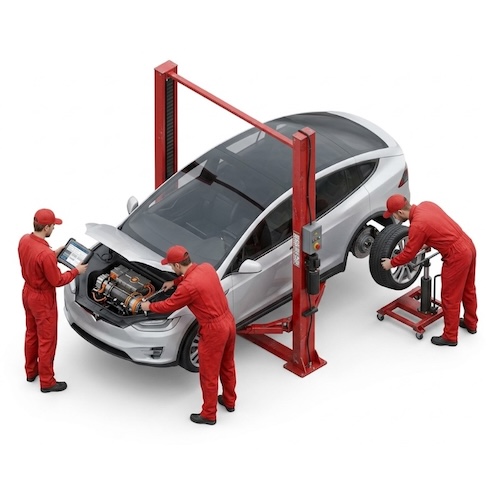
Garage and vehicle inspection template
Garage & Vehicle Inspection
IT and office audit template
IT & Office Audit
Construction site inspection template
Construction Site Inspection
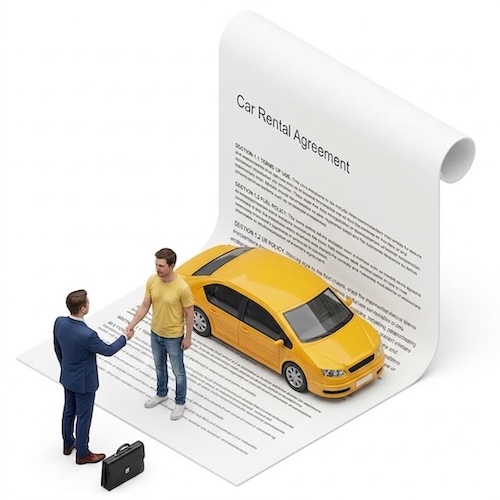
Car rental agreement template
Car Rental Agreement

Frequently Asked Questions

Blue Checkbox is an inspection app for iPad that lets you build custom checklists and forms. You can turn these forms into professional inspection reports and share them instantly with clients, colleagues, and teams.
Blue Checkbox is designed for small and medium businesses, including garages, rental companies, warehouses, construction teams, and health & safety inspectors. Any business that requires inspections, audits, or reports can benefit.
You can use the built-in editor to create unlimited forms with 10 different elements such as photos, notes, checkboxes, dates, email fields, and more. You can also start from ready-to-use templates and customize them to fit your needs.
Yes. Once your form is completed, you can instantly generate a professional inspection report and email it to clients, colleagues, or your team with a single tap.
Yes, Blue Checkbox lets you complete forms entirely offline. You can save your work as a PDF or print it directly. An internet connection is only required when you want to send inspection reports via email.
Currently, Blue Checkbox is available for iPad only. An iPhone version is planned for the future.
Blue Checkbox is available as a subscription with monthly and yearly plans. You can download the app for free on the Apple App Store, but the free plan is limited to 25 inspections per month and allows creation of only one form. Paid plans remove these limits and let you fully customize forms to fit your business needs.
Unlike competitors, Blue Checkbox is simple, fast, and cost-effective. It's designed specifically for inspections and reports, so you don't pay for unnecessary complexity or extra features you don't need.
Yes. Blue Checkbox supports 10 form elements, including photos, notes, comments, single and multiple selections, and checkboxes.
Simply download Blue Checkbox from the App Store, open the app, and start creating forms right away. No setup required.

Start Inspecting Smarter Today

Download free on iPad. No setup required.

Download on the App Store
QR code to download Scan to download
on your iPad