Features How It Works Templates FAQ
Industries
Garages & Repair Shops Car Rental Companies Construction & Site Inspections Download Free
Built for Car Rental Businesses

Win Every Damage Dispute With Photo Proof at Pickup

Blue Checkbox gives car rental businesses timestamped photo condition reports, digital rental agreements, and fleet inspection checklists — all on an iPad, all in minutes.

Free to download · iPad only · No account required
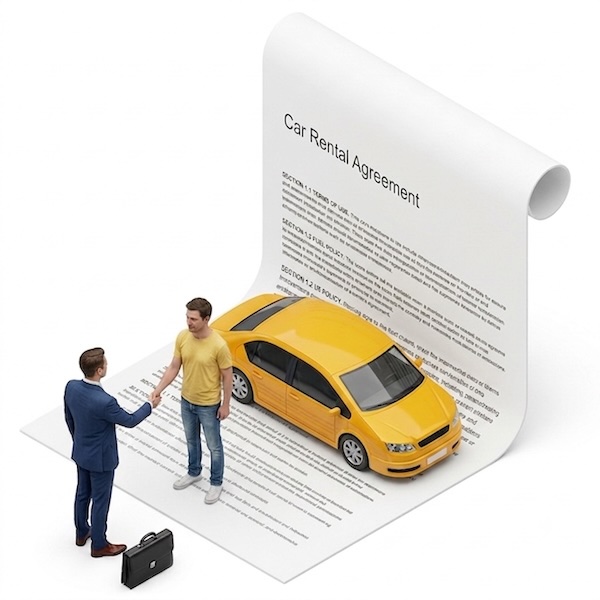
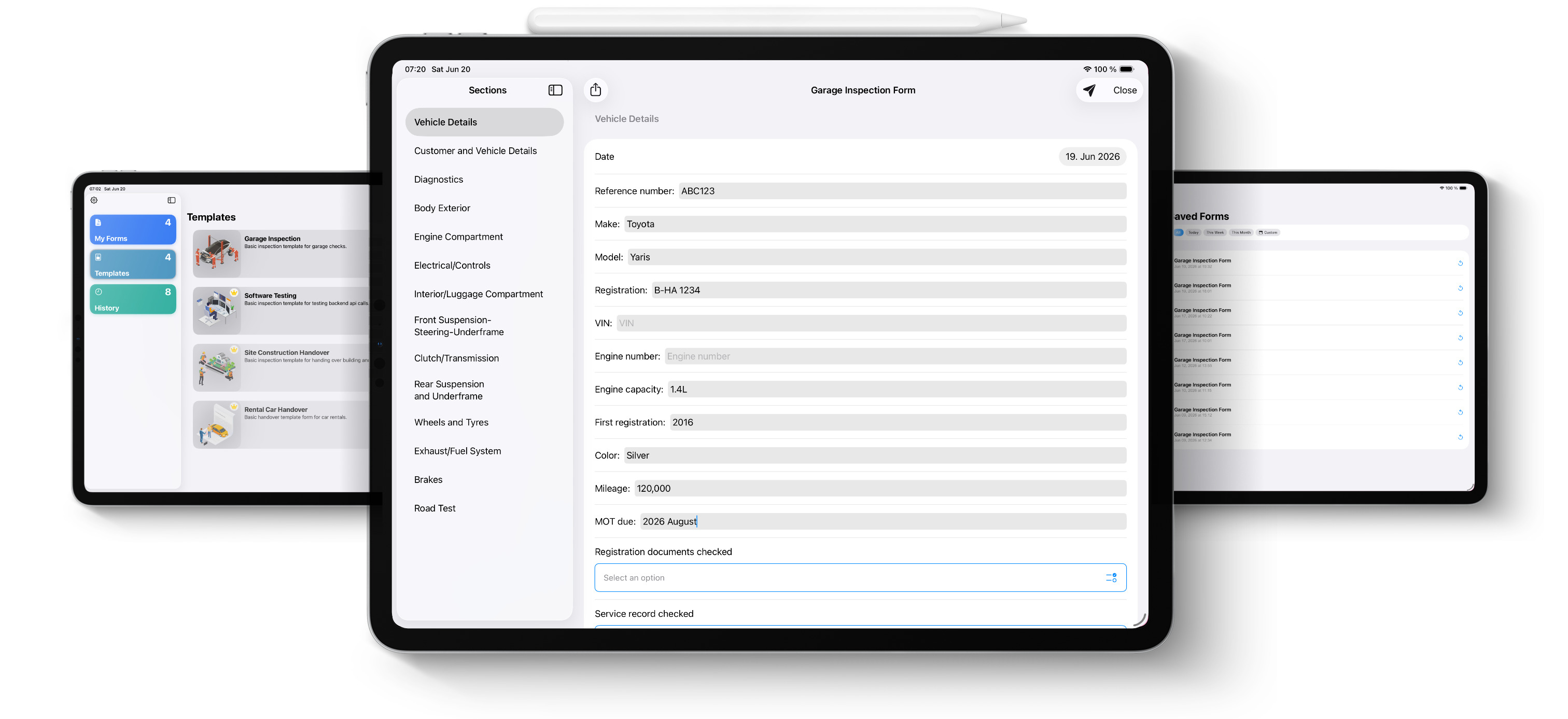
Car rental agreement with vehicle condition check using digital inspection app on iPad

The Problems Every Car Rental Business Faces

📸

Damage Disputes You Can't Win

Customer returns the car with a new scratch and denies it was them. Without a timestamped photo taken at pickup, you have no case — and you absorb the cost.

Fuel Level Arguments

"It was full when I took it." Without a photo of the gauge at handover, it's your word against theirs — every single time.

📄

Paper Agreements That Disappear

A rental agreement is a legal document. When it gets lost, damaged, or illegible, you have nothing to stand on if a dispute escalates.

🚗

No Visibility Across Your Fleet

With more than a handful of cars, it becomes impossible to track which vehicle has which issue, what was checked last, and what needs attention next.

🔢

Mileage Records Done Manually

Handwritten mileage logs are easy to misread, dispute, or lose. A digital record with a timestamp removes all ambiguity.

🚨

Accidents Handled Without Documentation

A car comes back with new damage. The customer is still there. Without a formal incident report completed on the spot, the moment — and the evidence — is gone.

Digital Condition Reports That Protect Your Business

Blue Checkbox is a car rental inspection app for iPad that lets you capture photo evidence, record fuel levels and mileage, and email a signed condition report to the customer before they drive away — in minutes, not hours.

  • ✅ Photo evidence timestamped at pickup and drop-off
  • ✅ Fuel level and mileage recorded digitally
  • ✅ Email condition report to customer before they leave
  • ✅ Instant incident report if damage is found at return
  • ✅ Works offline — no Wi-Fi needed at the lot
  • ✅ Full digital record of every rental, every car
Download Free on iPad
Blue Checkbox car rental condition report app running on iPad

Every Form Your Rental Business Actually Needs

Start from a ready-made template or build your own. Fully customisable to match your rental process.

🔍

Pre-Rental Condition Check

Photograph every scratch, dent, and mark before the customer drives away. Timestamped photo evidence that protects you the moment a dispute arises.

🏁

Post-Rental Condition Check

Compare the car's condition at return against the pre-rental report. New damage is immediately visible, documented, and on record.

📋

Rental Agreement / Customer Sign-Off

Digital rental agreement capturing customer details, vehicle info, terms, fuel level, and mileage — all in one form, emailed instantly.

Fuel Level & Mileage Record

Photo of the fuel gauge and odometer at pickup and drop-off. No disputes, no ambiguity, no he-said-she-said.

🔧

Fleet Maintenance Checklist

Track tyre condition, fluid levels, lights, and service status across your entire fleet. Know which car needs attention before a customer finds out.

🚨

Incident / Accident Report

When a car comes back damaged, document it formally on the spot — photos, description, customer details — before they leave the lot.

Protect Every Rental in 4 Steps

No IT setup. No training. Start protecting your business today.

1

Download Blue Checkbox

Free on the App Store. Open it on your iPad — no account, no setup required.

2

Walk Around the Vehicle

Open the condition check form, photograph every panel, record fuel and mileage — all in the same form.

3

Email the Report

Send the completed condition report to the customer before they leave. They have a copy, you have a copy — dispute closed before it starts.

4

Repeat at Drop-Off

Run the same process at return. Compare instantly. Any new damage is documented and on record immediately.

Questions From Car Rental Businesses

Yes. The condition report can be completed and emailed to the customer on the spot — before they leave the lot. They receive a full copy with photos, fuel level, mileage, and any pre-existing damage noted, so there's no room for dispute later.
Yes. There's no limit on the number of inspections you can run. You can use the same forms across your entire fleet — each inspection is a separate record tied to the specific vehicle and rental.
Yes. Once the pre-rental condition check is complete, you can generate a PDF report and email it directly from the app in one tap. The customer gets a timestamped copy of the car's condition before they drive away.
Yes. Photos are embedded directly in the inspection form and appear in the PDF report. Every photo is tied to the specific inspection it was taken during — no separate attachments, no file management needed.
Yes. You can build a single form that covers both pickup and drop-off sections, or use two separate forms — one for each stage. Either way, both reports are stored and can be compared side by side.

Stop Losing Damage Disputes. Start Documenting Everything.

Download free on iPad. No setup required.

Download on the App Store
QR code to download Blue Checkbox Scan to download
on your iPad